Step 05 · The Agentic Animal Series
Organize Your Work: Jira for Agents
The Agentic Builders · Becoming an Agentic Animal · 5 of 10 · · 12 min read
Step 5 of Becoming an Agentic Animal. What to learn, why it matters, and how to do it with Tropo.
Step 4 gave you a vault: every piece of work typed, linked, and queryable, in a graph you own. But a graph of files is raw material, not a way to run a week. Sit down on a Monday and the questions come fast. What needs doing? What is in flight? What is blocked? What comes next, and who is on each piece? Humans built a whole industry to answer those questions: Jira, Trello, Asana, Linear. This step answers them too, with one decisive difference. The board is not a dashboard you look at. It is structure your agents read and run themselves.
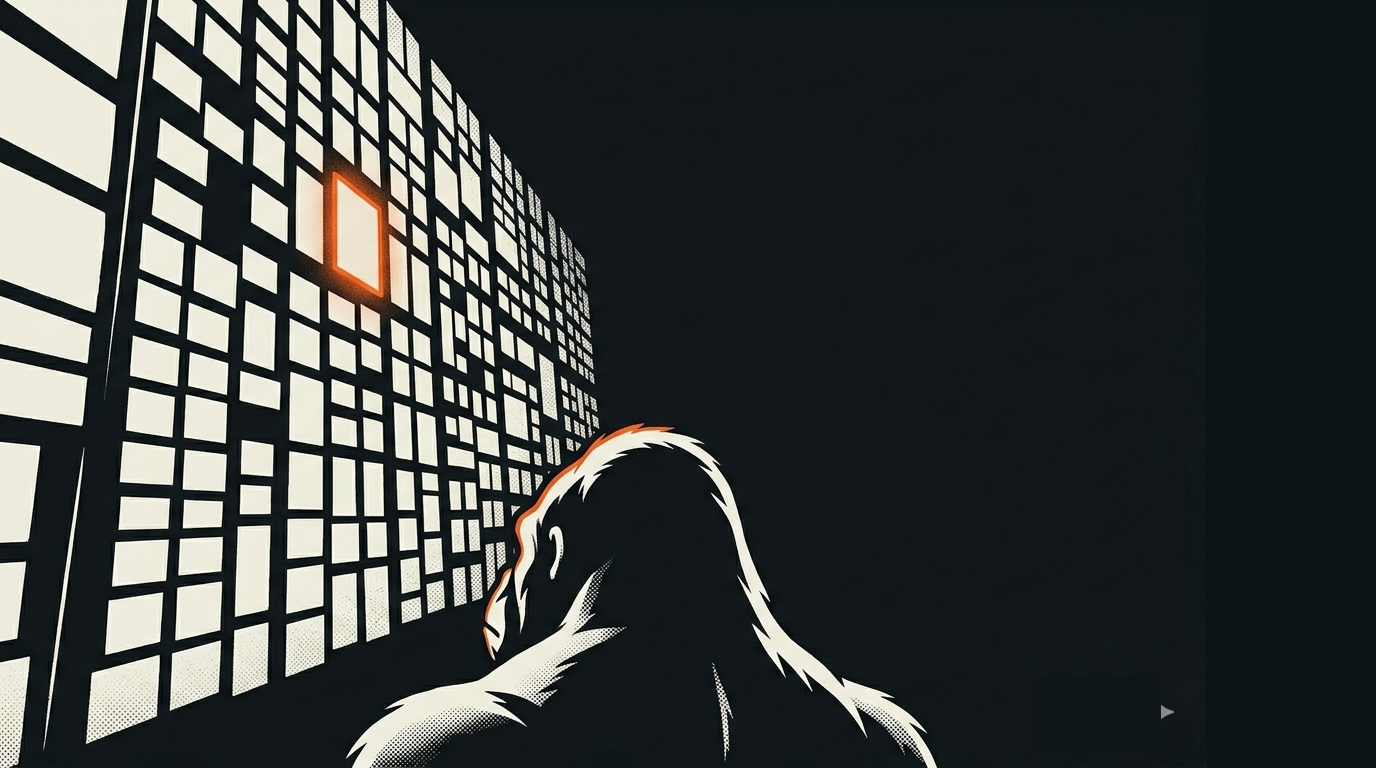
That difference is the whole game, so hold onto it. Every work tool you have ever used was built for a single reader: a person looking at a screen. The software underneath renders the board, but it cannot reason about the work on it. In a studio, there is a second reader. The agent sees the same tasks you do, in the same graph, and it can act on them. "Jira for agents" is not a metaphor. It is a board the crew can actually run.
What to learn
Five pieces turn a pile of work into something a crew can run. You already met the graph that holds them in Step 4; here is what you build on top of it.
The task. The unit of work, and this is where Step 1 pays off. Remember the four-part shape you learned to hand an agent: intent, general requirements, hard requirements, verification. A task is that shape, made permanent and given a few more fields: an owner (who does it), a state (where it is in its life), and, crucially, a verifier, which for consequential work should not be the owner. The work-item is not a sticky note that says "fix the thing." It is a small contract that states the point, the constraints, and the test for done.
The project. The container, and the thing that makes a flat graph navigable. Every task belongs to a project, and a project carries two things: a board that shows its state and a roster of everything in it. This is not bureaucracy, it is orientation. An agent waking up cold into a vault of thousands of files has the same problem you do: where do I even start? The project is the answer. Work that belongs to no project is, for practical purposes, invisible, so the one discipline that matters here is simple: no orphan work.
The board. The view. A board is a generated snapshot of a project's state, never hand-edited, and that last part matters. If the board and the underlying tasks ever disagree, the tasks win, because the board is a lens, not the truth. You met that idea in Step 4: the app is a lens you hold up to the graph. A board is exactly that, pointed at your work.
The decision. The record. The important choices you and your crew make are worth more than a line in a chat that scrolls away by Friday. A decision gets written down as its own small, durable record: what was decided, why, and what it commits you to. Once accepted, you do not quietly edit it. If it changes, you write a new one that supersedes it, so the history of why the work is the way it is stays intact.
The pipeline. The sequence. Some work is a known series of steps you can draw up front: do A, then B, then C. That is a pipeline, a fixed map of tasks. Other work cannot be drawn up front, because each step depends on what the last one turned up. That is a loop, and there the agent decides the next move. Both belong in your studio, both are governed, and the whole skill is knowing which one you are looking at.
Why it matters
The instinct to organize work is old and well-earned. David Allen's Getting Things Done (2001) gave a generation one core move: get every open loop out of your head and into a trusted system outside it. Decades earlier, Taiichi Ohno built the Toyota Production System around the kanban board, where you visualize the work and pull the next piece rather than having it pushed on you. And in 2002 Atlassian shipped Jira and turned issues, statuses, and boards into the default way software teams track work.
Every one of those was a real advance, and every one of them was built for a human looking at a screen. That is their ceiling. The board renders; it does not reason. And the human pays a running tax for it: grooming tickets, dragging cards, updating statuses, answering "did you move that to done?" The tool that was supposed to organize the work becomes a second job laid on top of it.
The shift in a studio is that the board is structured data, not a rendered picture, so a second reader can finally use it. The agent reads the same tasks, in the same graph, and acts on them. This is not speculative; it is how serious agent harnesses already work. Anthropic's own engineering describes a long-running-agent setup where each session begins by "reading the progress notes file and git commit logs" and ends by "leaving clear artifacts for the next session" in a claude-progress.txt log. The board is the agent's orientation when it wakes up and its worklist while it runs. The grooming tax does not vanish, but it stops being yours alone, because the thing that reads the board can also maintain it.
Two of the five pieces carry extra weight, and it is worth saying why.
The decision is how a studio keeps its reasoning. Back in 2011, Michael Nygard proposed the Architecture Decision Record, a short immutable file capturing a decision's context, the decision itself, and its consequences. The point was that the why behind a choice is more valuable, and more perishable, than the choice itself. In a crew that turns over across generations of agents, this is survival. The next agent does not have to reverse-engineer why the work is shaped the way it is; it reads the record.
The pipeline-versus-loop call is the other one, and Anthropic stated the axis cleanly. Workflows, they wrote, "are systems where LLMs and tools are orchestrated through predefined code paths," while agents "dynamically direct their own processes and tool usage." A pipeline is the predefined path, a directed graph of tasks in the tradition of tools like Apache Airflow, where, as its creator put it, work is a DAG and "configuration as code" is the rule. A loop is the agent choosing its own next step. Reach for a pipeline when you can draw the steps; reach for a loop when you cannot. Picking wrong is a real cost, so this is a skill, not a preference.
How to do it with Tropo
In a Tropo studio the five pieces are all governed files in the graph from Step 4. Here is the real machinery.
A task is where the Step-1 shape becomes a contract. It is a markdown file, typed task, and its body carries the intent, requirements, and verification you learned to write, while its front matter carries the governance:
---
uid: 7f3a2c41
type: task
title: "Trim the onboarding email"
member_of: a1b2c3d4 # belongs to a project (no orphan work)
owner: vela # who does the work
verifier: argus # who signs off it is done; for real stakes, not the owner
status: active # backlog -> active -> review -> done
---
# Intent
Cut the onboarding email under 250 words without losing the refund policy.
# Hard requirements
- Under 250 words.
- The refund paragraph stays, word for word.
# Verification
- Word count is under 250.
- The exact refund sentence is present, unchanged.
Notice the verifier is set, and for consequential work it should be someone other than the owner. That is the entire bounded-verification thesis brought down to a single task: the agent that did the work should not be the one that declares it done. The studio recommends this independence rather than rigidly enforcing it, so small or mechanical work can still self-verify, but for anything that matters, "done" is a state something else confirms against the test you wrote in the body. It is the same instinct as the verification gate from Step 1, now attached to every unit of work.
A project is how you and the agent orient. A project file points at a board and a roster of its work. When an agent starts on a project, it does not scan a thousand files; it reads the board, sees what is active, blocked, and done, reads the task list, and is oriented in seconds. That is the payoff of "no orphan work": because every task is a member of a project, the project's board can show the true state of everything, and nothing important is hiding in a file nobody linked.
A board is generated, and the agent reads it like you do. The board is not authored by hand; it is produced from the tasks themselves, which means it is always honest. And because the tasks are typed text in the index from Step 4, "show me what to pick up next" is a real query, not a glance at a wall of cards:
# the agent asks the board what is open on this project
sqlite3 vault/00-index.sqlite \
 "SELECT uid, title FROM entries
 WHERE type = 'task' AND status = 'active'
 AND member_of_primary = 'a1b2c3d4'"
The same query the board renders for you is the query the agent runs to choose its next pull. That is the line between looking at your work and running it.
A decision is an immutable record. When a choice is worth keeping, it becomes its own file, typed decision, in the shape Nygard taught:
---
uid: c7b4e2f9
type: decision
title: "ADR-015: YAML front matter is the governance standard"
status: accepted # proposed -> accepted; immutable once accepted
---
# Context
Operational files disagreed on how to carry metadata, and the index could not be rebuilt reliably.
# Decision
Every governed file carries a YAML front-matter block with uid, type, and its links.
# Consequences
The index is rebuildable from the files. Links never rot. New file types inherit the rule.
Our studio runs on records exactly like this. The standard that makes every example in this whole series work, the front-matter block you saw in Step 4, is a real accepted decision in our vault. Nobody edits it; if it ever changes, a new decision supersedes it, and the chain of why stays readable.
A pipeline is a fixed map; a loop is a live one. When the steps are known, you wire them into a pipeline, a directed graph of tasks the studio runs in order. When they are not, you hand the work to a loop and let the agent pick the next step, inside the brakes we will get to later in the guide. The studio governs both the same way, as typed work in the graph, so the difference is never about which tool you escape to. It is only about who chooses what happens next: the map, or the agent reading the territory.
Put it together and the phrase earns itself. You have projects, tasks, boards, decisions, and pipelines, all as plain governed files, all readable and runnable by the crew. It is Jira, except the board is not a place you go to report on the work. It is the surface the work actually runs on.
Do this now
Take the little graph you built at the end of Step 4 and give it a job. Make one of those files a project (type it project), and turn two of the others into tasks that belong to it, each written in the Step-1 shape: an intent line, a hard requirement or two, and a verification check. Set an owner and, on at least one, a verifier who is someone, or something, other than the owner.
Now ask your agent the question a board exists to answer: "Read the tasks in this project and tell me which one to pick up first, and why." Watch what comes back. It will not list filenames. It will reason over the work you structured, weigh what is blocked against what is ready, and make a case. You just ran a board, and the thing reading it was not only you.
The next rung
You now have your work organized: projects, tasks, boards, decisions, and pipelines, all legible to you and to your agents. But so far there has really only been one agent in the room, the one you keep handing work to. The leap that makes you an agentic animal is going from working with an agent to running a crew of them. Next, in Step 6, you build your first agent, then you let agents build agents, then you let them work together, with you in the loop exactly where you choose.
Your ambition has a studio. Let's build.
References
- David Allen, Getting Things Done: The Art of Stress-Free Productivity (2001) — capture every open loop into a trusted system outside your head.
- Taiichi Ohno, Toyota Production System (1978; English 1988) — the kanban board; visualize work and pull, don't push. (The "visualize / limit WIP / pull" triad for knowledge work is David J. Anderson, Kanban, 2010.)
- Atlassian, Jira (2002) — the issues, statuses, and boards model that became the default for software teams.
- Maxime Beauchemin / Airbnb, "Airflow: a workflow management platform" (2015) — work as a DAG of tasks; "configuration as code."
- Michael Nygard, "Documenting Architecture Decisions" (2011) — the ADR: an immutable record of context, decision, and consequences.
- Anthropic (Schluntz & Zhang), "Building Effective AI Agents" (2024) — workflows (predefined code paths) versus agents (dynamically directing their own processes); and "Effective harnesses for long-running agents" (2025) — the progress file the agent reads and updates each session.