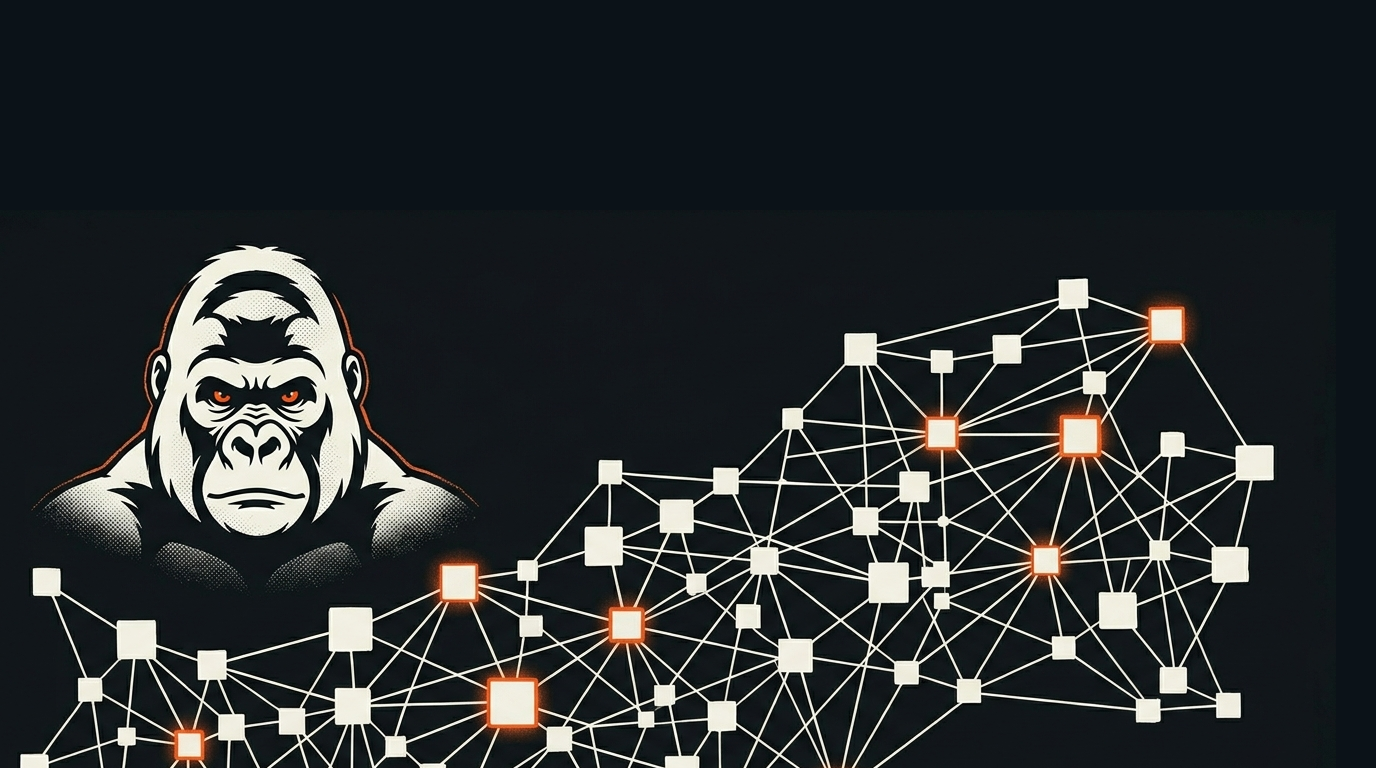
Step 04 · The Agentic Animal Series
The Vault: One Graph You Own
The Agentic Builders · Becoming an Agentic Animal · 4 of 10 · · 13 min read
Step 4 of Becoming an Agentic Animal. What to learn, why it matters, and how to do it with Tropo.
By the end of Step 3 you had agents that remember across a session and a lineage that remembers across time. But we left you with a problem. All that durable memory, all those notes and transfers and records, has to live somewhere, and a folder full of loose files is not good enough. Open any real project a few months in and you know the feeling: you cannot remember which folder a decision went in, the same idea is written down in three places that do not know about each other, and the one file you need is the one you cannot find. A pile of files is where knowledge goes to get lost.
This step is about the cure. You stop storing your work as a pile and start storing it as a graph: every piece of work typed, linked to the others, and instantly queryable, with one connected structure running underneath all of it that you own outright. That structure is what we call the vault, and getting it right is the difference between an agent that can find anything you have ever done and one that is forever guessing.
This is the most mind-bending change in the way I have ever thought about my work, and I think it will be for you too. Every computer system we have ever used stores files in folders. Folders are a hierarchy: one thing inside another, every item with a single home. That is not how our brains work, it is not how the world works, and it is not how agents work. We think in relationships. And that, friends, is a graph. Everything. Every document, every task, every memory is associated with more than one other thing. Once you get your head around this, you will never, ever go back.
What to learn
Three properties turn a folder of files into a vault. Learn them as a set, because the power comes from having all three at once.
Typed. Every artifact knows what kind of thing it is. A task is typed as a task, a decision as a decision, a meeting note as a note, and each type carries its own small set of rules about what it must contain. A spec type, for instance, can be required to carry exactly what Step 1 taught you to hand an agent: its intent, its requirements, and the test that proves it is done, so that structure is enforced by the type instead of left to your memory. This is the opposite of a folder full of anonymous .md files where the only clue to what something is is the name someone gave it at 2 p.m. eight weeks ago. When work is typed, the agent stops guessing what it is looking at.
Linked. Artifacts point at each other, and those pointers are real, first-class connections, not just words in a sentence. A task belongs to a project. A decision supersedes an earlier decision. A design references the research it came from. Each of those is a typed link, and the agent can follow it: from any one piece of work it can walk straight to everything that piece relates to, and reach it from any direction.
Queryable. Because every file is plain text with a little structure on top, the whole collection can be loaded into an index and asked questions. Not "search for a word," though you get that too, but real questions: every open task in this project, every decision that is still in force, everything that references this idea. The knowledge stops being something you remember where you put and becomes something you interrogate.
And underneath all three is the property that makes them safe to build a working life on: it is yours. The whole graph is plain files on your own disk. No vendor holds it, no service can switch it off, and it will still open in fifty years, because plain text outlives the software that made it.
Why it matters
You just felt why this matters, and the instinct is older than computing. Ted Nelson, who coined the word "hypertext" back in the 1960s, named it in three words that have aged perfectly: "Everything is deeply intertwingled." Forcing knowledge into a hierarchy, he wrote, is "usually forced and artificial," because the cross-connections between ideas refuse to be filed into separate boxes. The struggle you feel choosing which folder something belongs in is not your failing. It is the folder being the wrong shape for the way knowledge actually works.
A graph stops making you choose. The work lives at the intersection of everything it relates to, and you reach it from any of them. That alone would be worth the trouble. But the deeper reason matters more for an agentic animal, and it is the single most important idea in this whole guide: the power is in the graph, not in any app you point at it. Tools come and go. The fashionable agent product this year will look quaint next year. If your knowledge lives inside one of those tools, in its database, in its format, on its servers, then you are renting your own work, and the day the tool dies or doubles its price or loses your trust, your work is hostage. If your knowledge lives in a graph of plain files you own, the tools become interchangeable. You can point a new one at the same vault tomorrow and lose nothing.
This is what the local-first software movement has been arguing for years. A landmark 2019 essay from the Ink & Switch lab, Local-first software: You own your data, in spite of the cloud, laid out a set of ideals for software that respects you, and two of them are exactly this: that your data has "the Long Now," the longevity to outlast any particular application, and that "you retain ultimate ownership and control." A vault is local-first by construction. The graph is the asset. The app is just a lens you hold up to it, and you can always swap the lens.
There is one more payoff, and it is the one that makes agents genuinely powerful instead of merely impressive. When your work is typed and linked and queryable, an agent can read and run the whole thing. It does not need you to explain your project, because the project is right there in a form it can traverse. It can find the decision that governs the task it is working on by following a link, not by hoping you mentioned it. The graph is, in Andrej Karpathy's framing of the model as a kind of new operating system, the disk: the durable store the agent pages through to do its work. You give the agent a real place to stand, and it stops being a clever stranger and starts being a colleague who knows your whole history.
How to do it with Tropo
A Tropo studio is, underneath everything you have read so far, exactly this graph. Here is how the three properties are built, with the real machinery.
Typing: a few lines of front matter, and a capsule that gives the type its rules. Every governed file is plain markdown with a small block of structured text at the top. That block is what makes the file a citizen of the graph: it gives the file a permanent ID, a type, and its links.
---
uid: 4b68e1d6 # a permanent ID, so links never break when titles change
type: article # what kind of thing this is
title: "Knowledge, Memory and Making it Durable"
member_of: 5d4e135c # this file belongs to the series
refs: [ee628256] # and it draws on the memory design brief
---
The type is not just a label. Each type is defined by a small rulebook we call a capsule, a plain-text file that says what that type is for and what it must contain. Our studio has capsules for dozens of types, an agent, a task, a decision, a build, an activation, and the rules in them are what let the studio check that a decision actually records what a decision needs to record. The type is a promise, and the capsule is what holds the file to it.
The permanent ID deserves a moment. Notice the uid is a short code, not the title. This is an old, hard-won idea: every document should have a permanent address that does not change when you rename or move it. It is why a link in our graph never rots: you can retitle this very article, and every file that points at 4b68e1d6 still points at it, because the link was to the identity, not the name.
Linking: the references are edges, and the edges have types too. When one file names another in its front matter, the studio records a directed connection between them. Those connections are typed, just like the files. A link can mean member_of, refs, governed_by, composes_with, superseded_by, and more, each one a different kind of relationship. Add them up across the whole studio and you do not have a folder tree, you have a web. Here is the real shape of ours, right now, counted live from the index as I write this:
3,397 files, joined by 15,499 typed links, across nine kinds of relationship.
That is not a metaphor for a knowledge graph. It is one, sitting on a laptop, as plain files. No server runs it. You could copy the whole thing to a USB stick.
Querying: the files are the source of truth, a database is the fast lens. Because every file is plain text with that structured header, the studio builds an index of the whole graph into a single SQLite database file, and that is what makes the vault answerable. This follows a principle the developer Simon Willison has spent years championing with his SQLite tools: a real, queryable database can be just "a single file on disk," with no server to run and nothing to lock your data away. Keep the markdown as the truth, derive the database from it, and you can ask the whole graph a question in one line. Here is a real one, walking the member_of links to list every article that belongs to this very series, run live as I write this:
sqlite3 vault/00-index.sqlite \
 "SELECT e.src_uid, n.title
 FROM edges e JOIN entries n ON n.uid = e.src_uid
 WHERE e.rel = 'member_of' AND e.dst_uid = '5d4e135c'"
081a38c6 Becoming an Agentic Animal
a2c4688e Think Like an Agent
555f9dde Set Up Your World
4b68e1d6 Knowledge, Memory and Making it Durable
19047a21 The Vault: One Graph You Own
That last row is the article you are reading, finding itself in the graph it describes. If the database is ever lost or you want to change its shape, you throw it away and rebuild it from the files in seconds, because the files were the truth all along. The query layer is disposable. The graph is not.
The events log: the graph remembers what happened, not just what is. Alongside the files, the studio keeps one more thing: an append-only log of everything that occurs, every message between agents, every status change, every retirement, written as a stream of typed events. Ours holds a few thousand of them. This is the same append-only, event-sourced idea you met in Step 3, applied to the whole studio: the log is the record of motion, and the current state of the graph is what you get when you play it forward. Your vault holds not just the work, but the history of the work.
Put the pieces together and you can see why we say the graph is the operating system. The files are the disk. The types are the schema. The links are the structure. The index is the query engine. The events are the log. And all of it is plain text you own, sitting in a folder, that any tool, this year's or next year's, your agent's or your own, can pick up and read. The app on top is a convenience. The graph underneath is the thing with the power, and now it is yours.
Do this now
Take one small project you already have, three or four files, and turn it into a tiny graph by hand. At the top of each file, add four lines: a uid (any short unique code), a type (call it whatever fits, note, task, decision), a title, and a member_of line pointing the file at the one that is the project's home. You have just typed and linked four files.
Now feel the difference. Ask your agent: "using the member_of lines, list every file that belongs to this project, and tell me its type." Watch it answer instantly and correctly, not by guessing from filenames, but by reading the structure you gave it. That is the whole idea in four lines of text per file. Do it to a real project and you will not want to go back to a folder of anonymous files, because you have just felt your work become something an agent can actually hold.
The next rung
You now have a vault: your work, typed and linked and queryable, in a graph you own. But a graph of raw files is still not how you run a week of work. You need the work itself organized, projects and tasks and boards and the order things happen in, all of it built on top of the graph and all of it readable and runnable by your agents. That is the next rung. In Step 5, you organize your work: Jira for agents, except the agents read and run the board themselves.
Your ambition has a studio. Let's build.
References
- Ted Nelson, Computer Lib / Dream Machines (1974; rev. 1987) — "Everything is deeply intertwingled"; hierarchy as "forced and artificial." Permanent document addresses come from his Project Xanadu work (Literary Machines, 1981).
- Kleppmann, Wiggins, van Hardenberg, McGranaghan (Ink & Switch), "Local-first software: You own your data, in spite of the cloud" (2019) — the seven ideals, including "the Long Now" and "you retain ultimate ownership and control."
- Andrej Karpathy — the "LLM OS" framing (2023): the model as the kernel of a new kind of operating system, with the filesystem as its durable disk.
- Simon Willison — Datasette and his case for SQLite as a serious tool where "a database is a single file on disk" (2017–present).
- The Unix philosophy — that text is "a universal interface" (Doug McIlroy et al., Bell Labs, 1978; condensed by Peter Salus, 1994) — the root of plain text as a durable, tool-agnostic foundation.
- Library of Congress, Sustainability of Digital Formats — preservation criteria that favor open, transparent, non-proprietary formats, the institutional case for plain text's longevity.